The most seamless cloud storage browser for Mac, Windows & Linux with native editing.

UniBucket

One App for
All Your Cloud Buckets

Manage AWS S3, Google Cloud Storage, and S3-compatible services from a single, beautiful desktop interface.

Windows macOS Linux
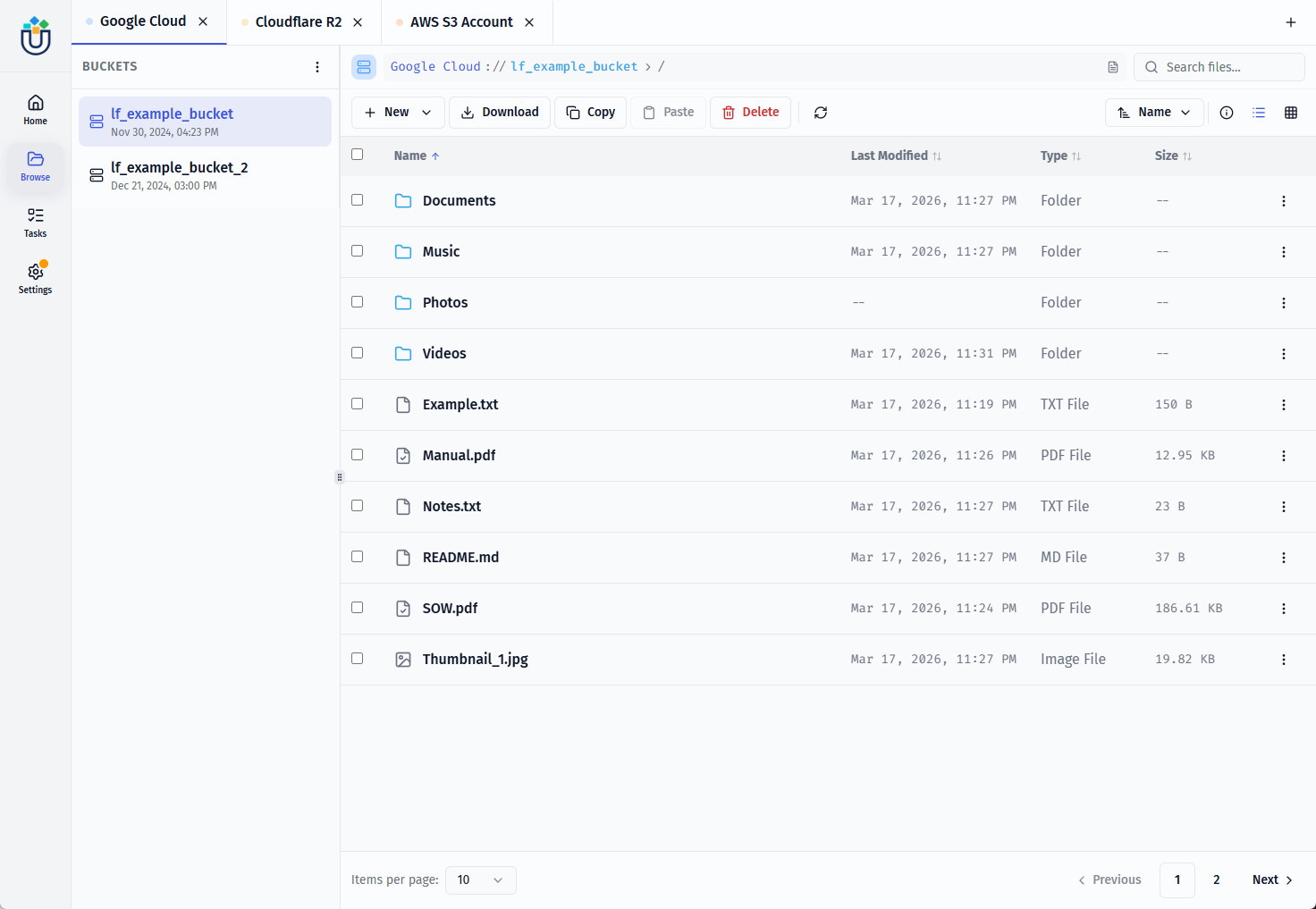
Beautiful, Intuitive Interface

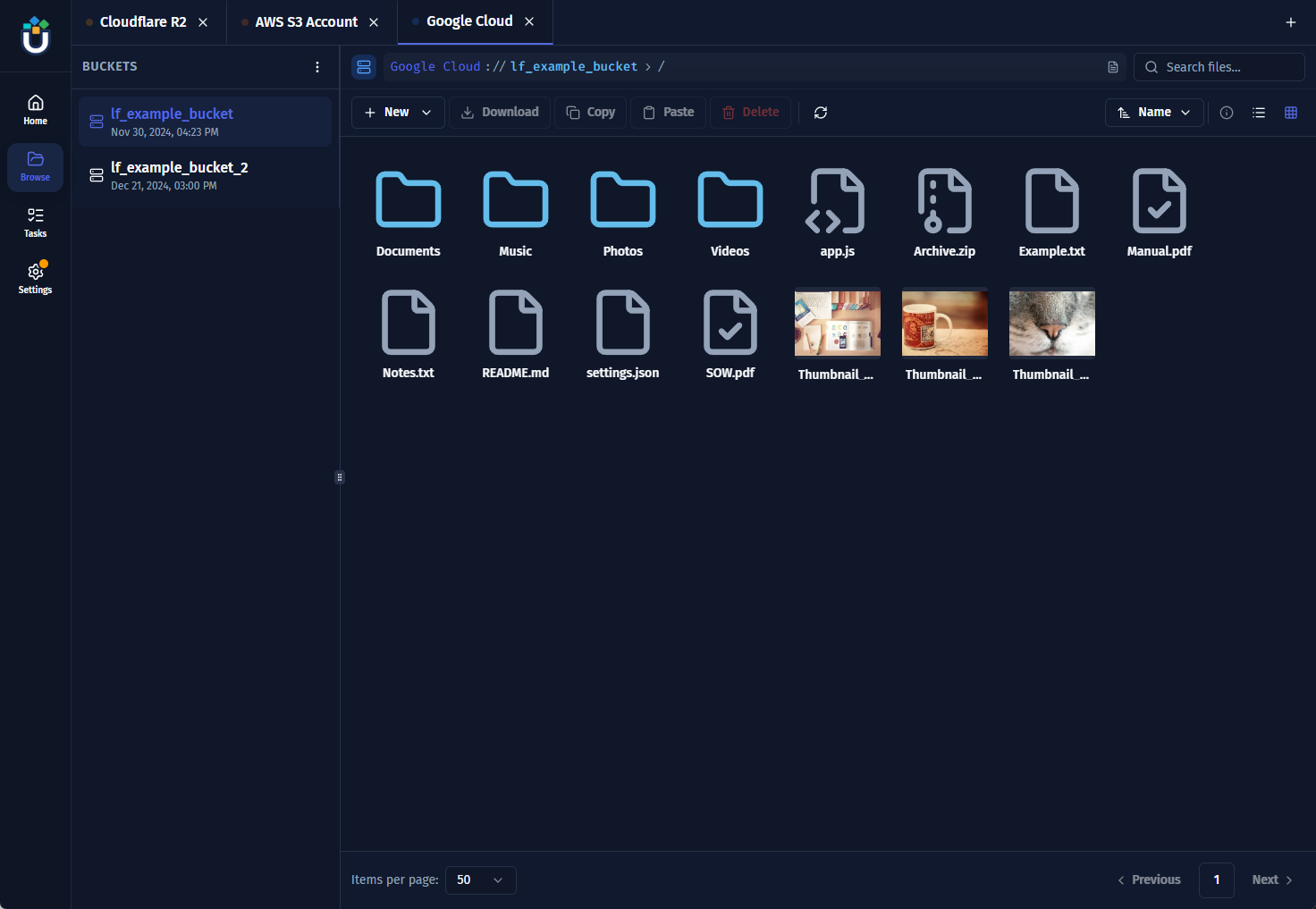
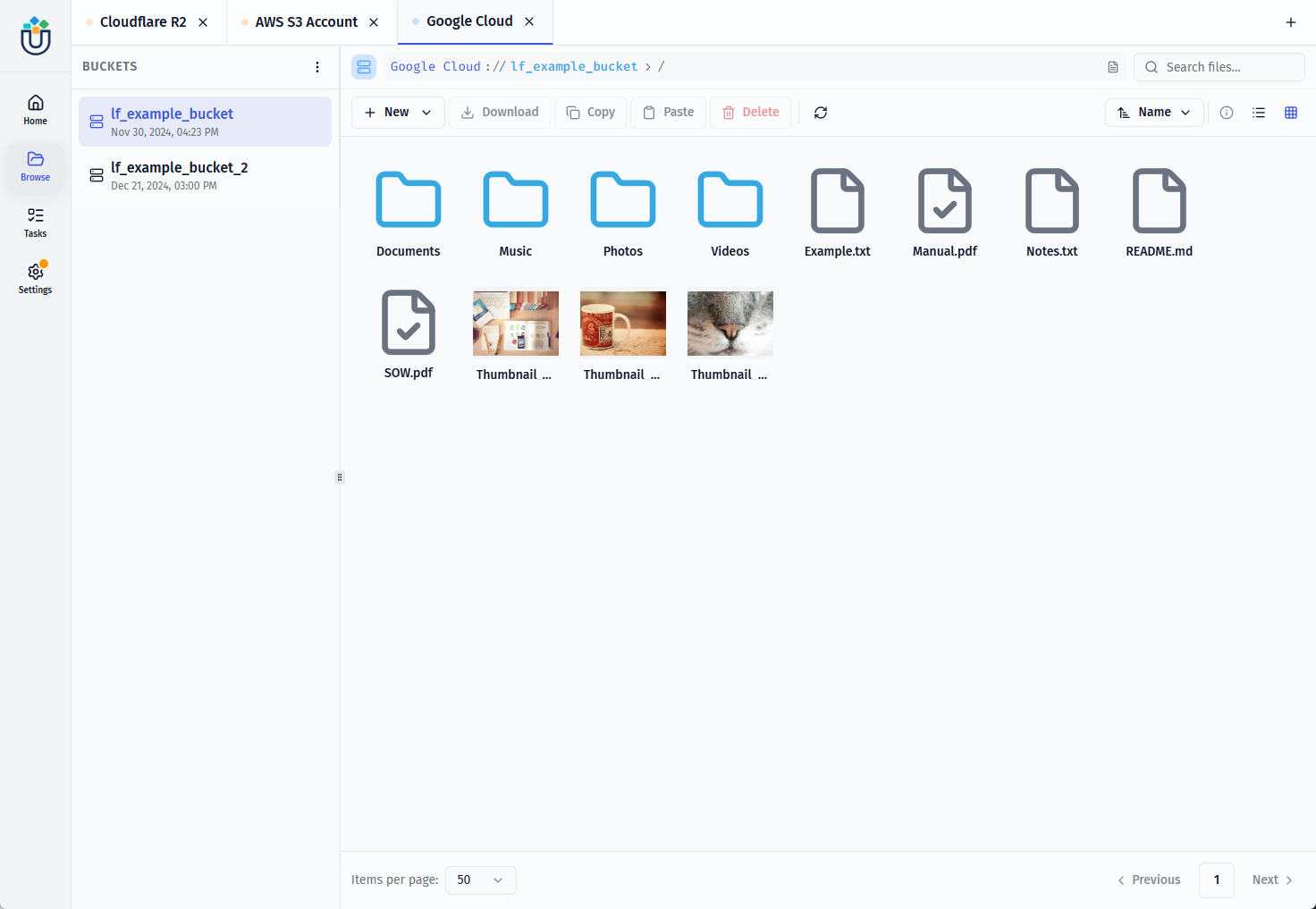
Switch between dark and light themes, browse files in grid or list view, and preview content right inside the app.

Everything You Need in One Place

A unified toolkit for cloud storage management — designed for developers and teams.

Multi-Cloud Support

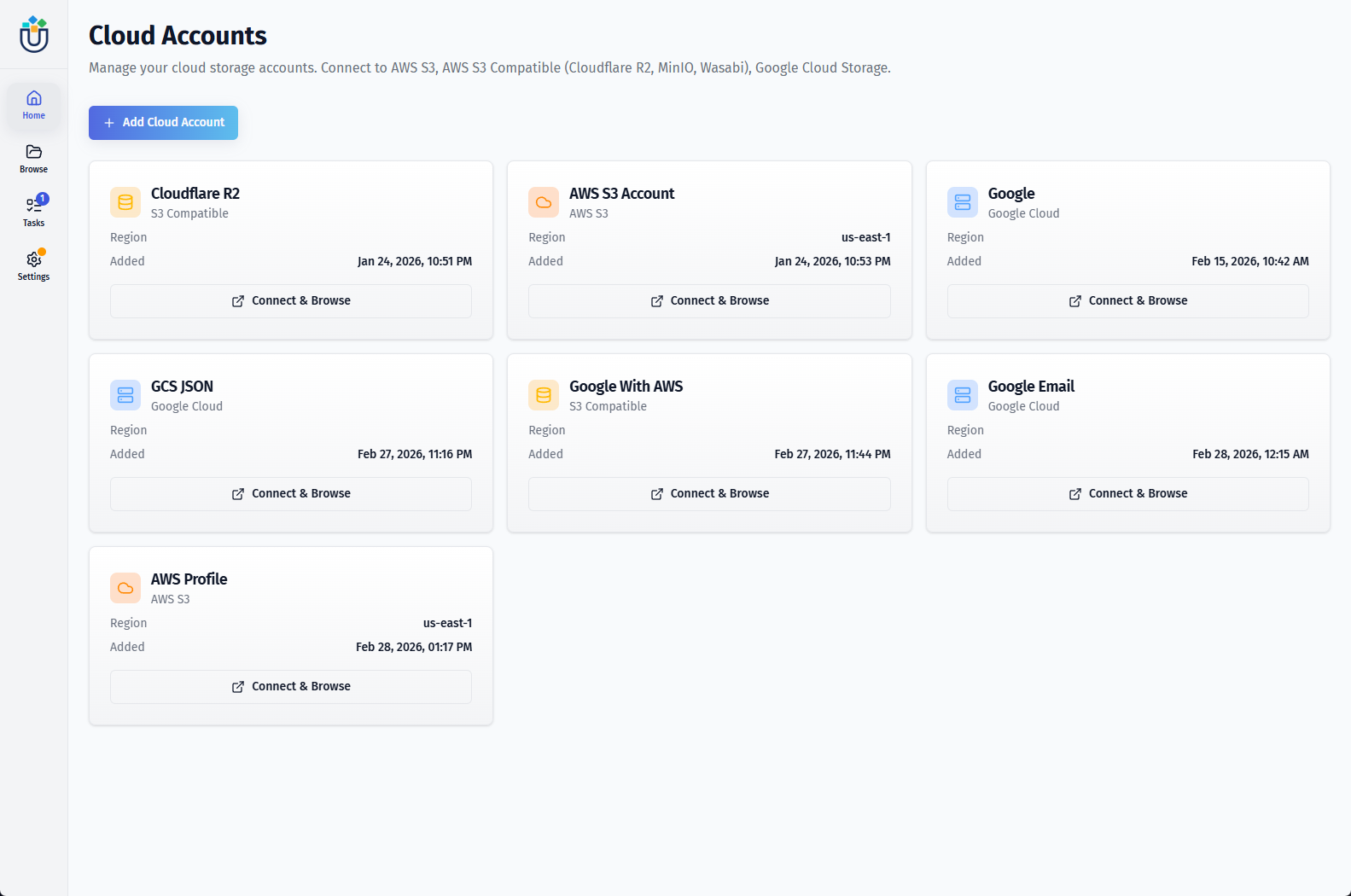
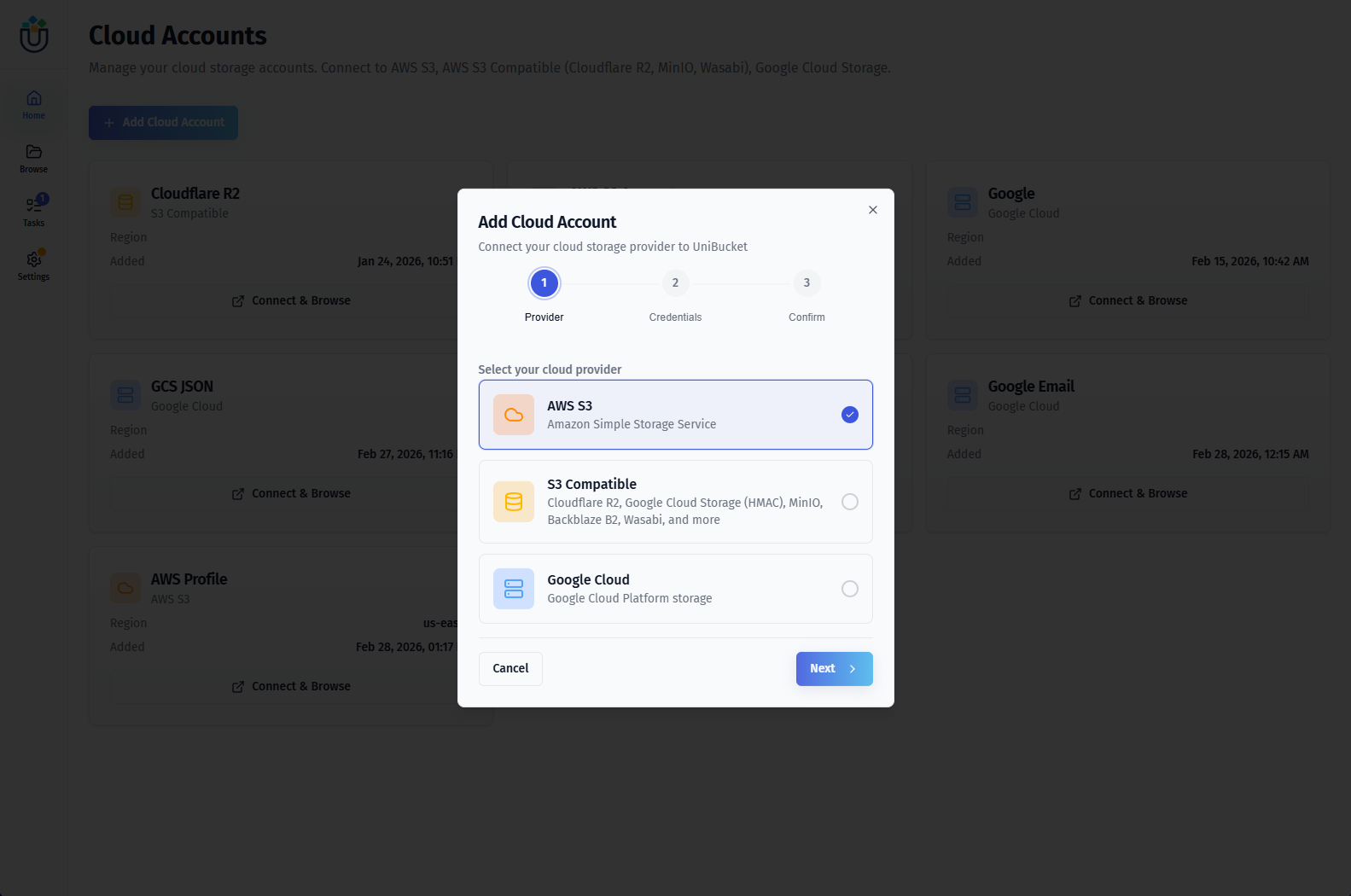
Connect AWS S3, Google Cloud Storage, and any S3-compatible service. Switch between providers without friction.

Visual File Browser

Toggle between grid and list views. Breadcrumb navigation and pagination make deep directory traversal simple.

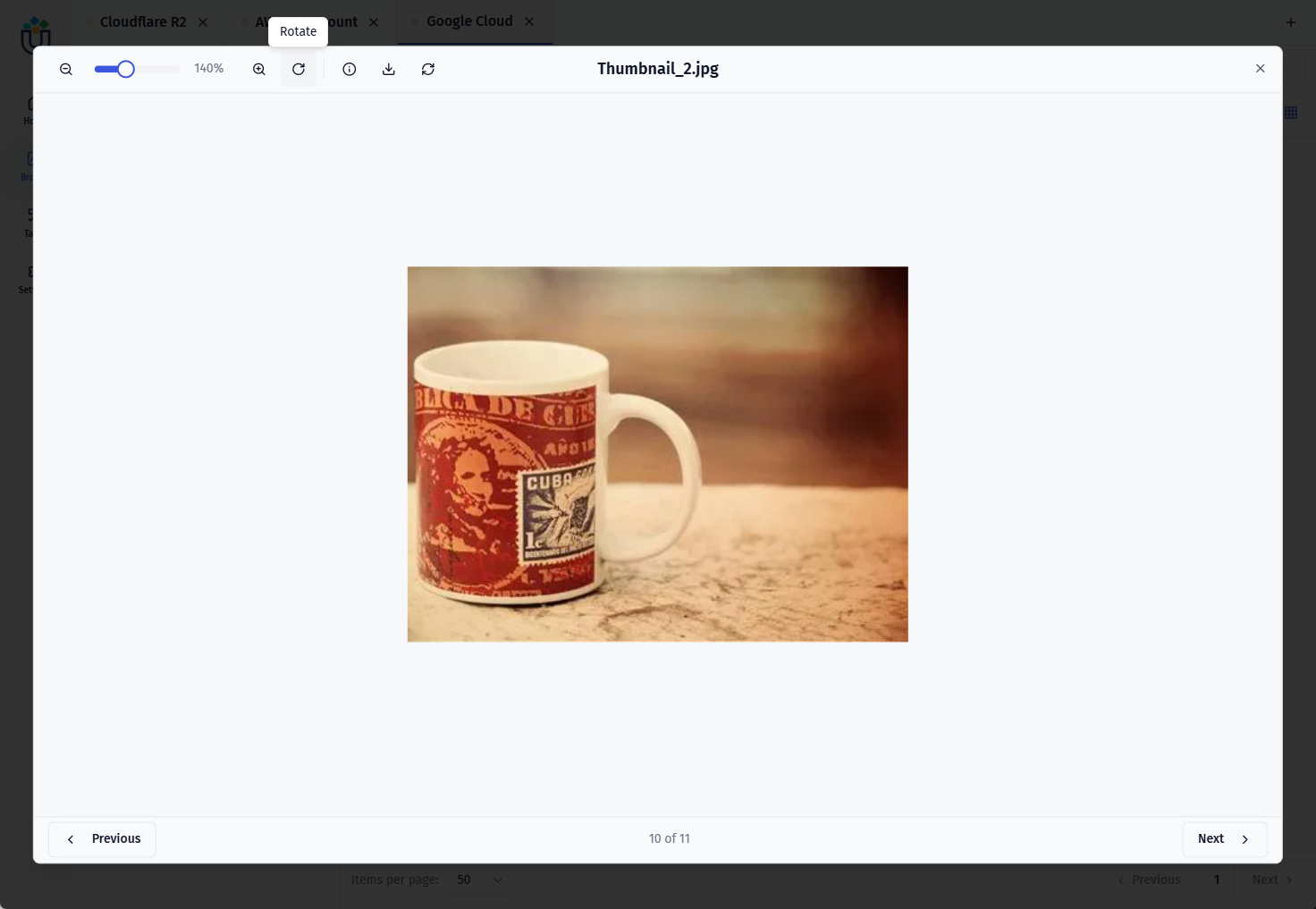
Built-in Previewer

Preview images, PDFs, text files, code, Word docs, and spreadsheets directly inside the app — no downloads needed.

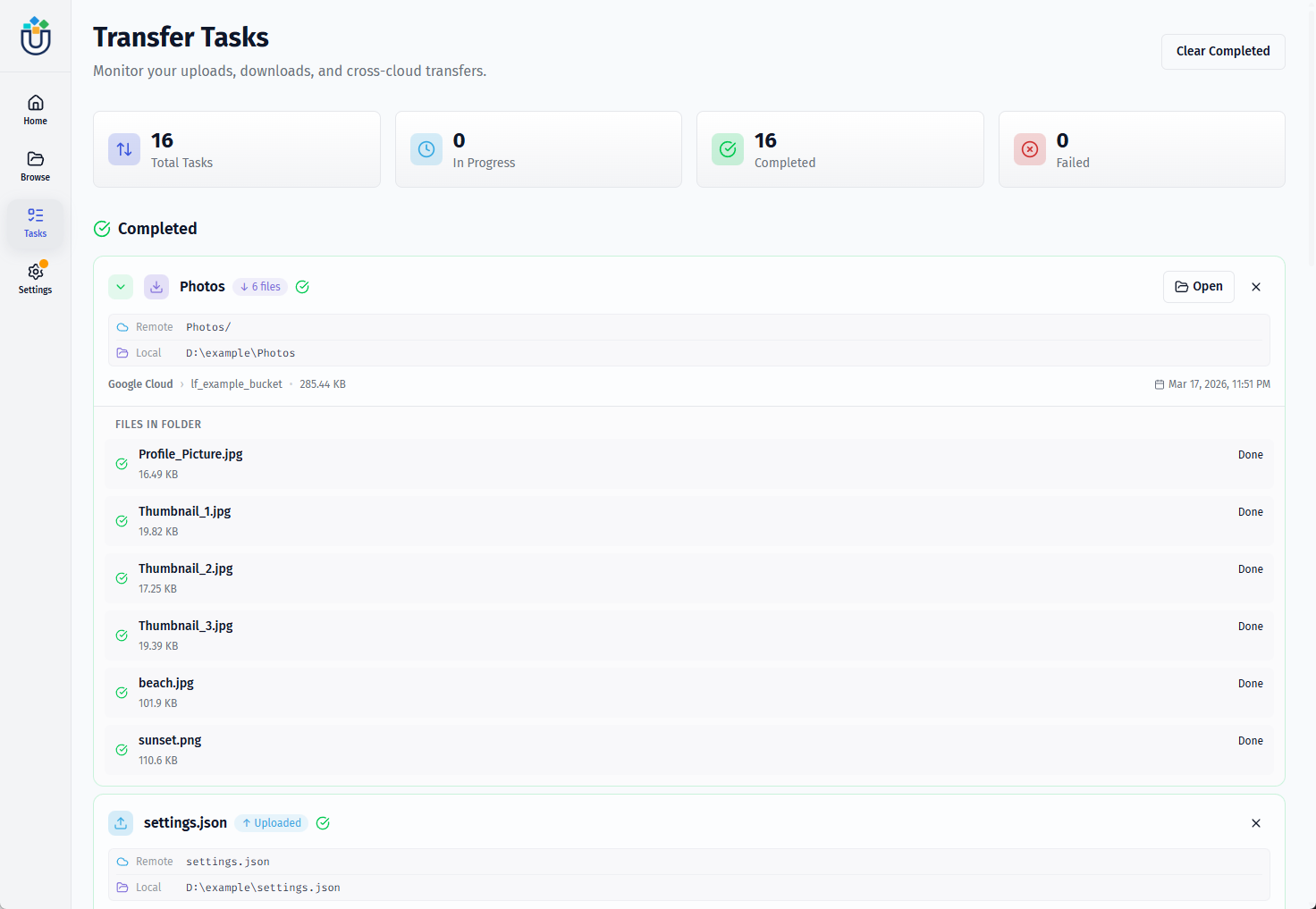
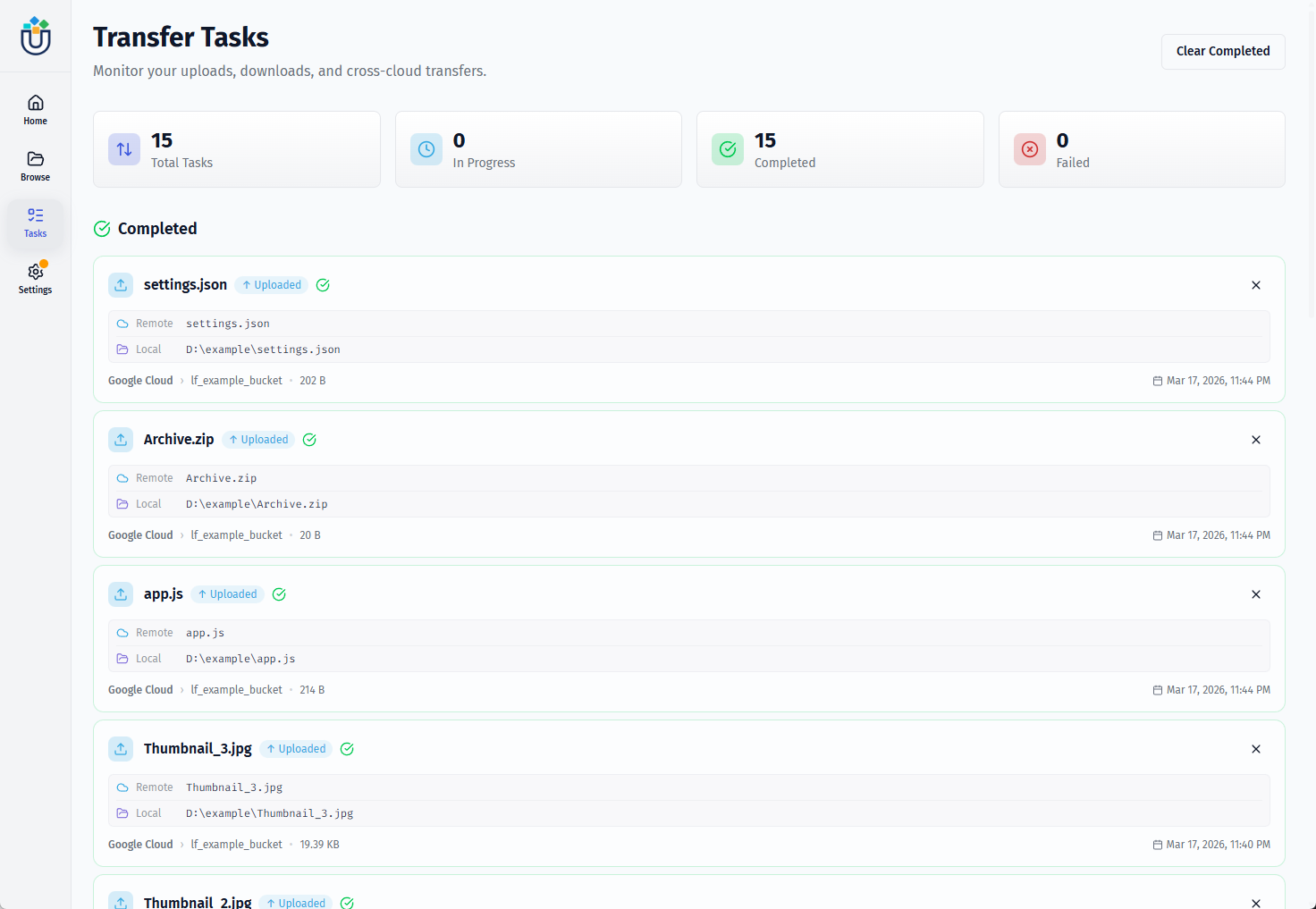
Reliable Transfers

Background task management ensures your uploads and downloads complete reliably — even for large files.

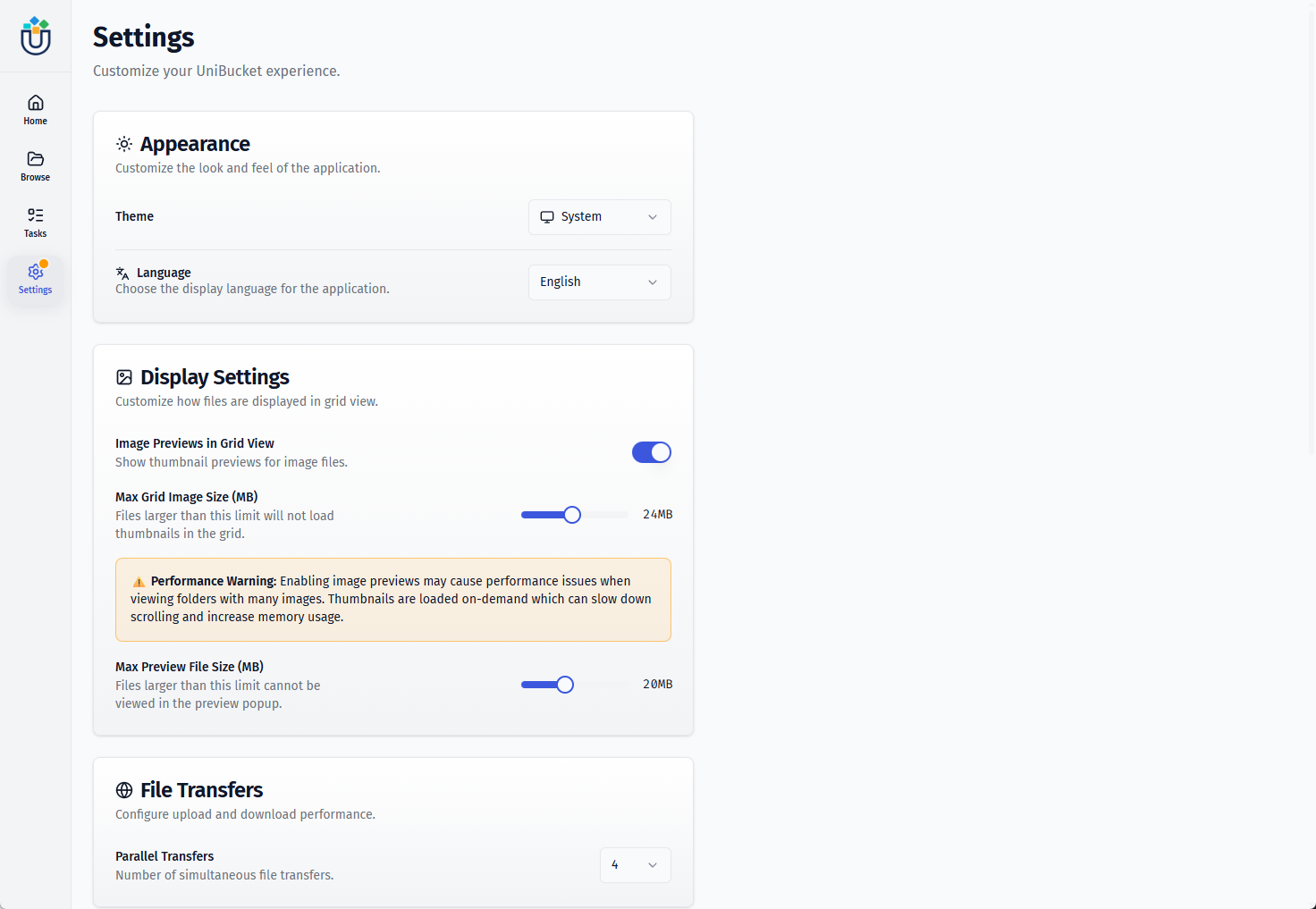
Dark & Light Mode

Full dark and light theme support. The app follows your system preference — or you can manually override it.

Secure Credentials

Your cloud credentials are securely stored locally on your machine. Nothing is sent to third-party servers.

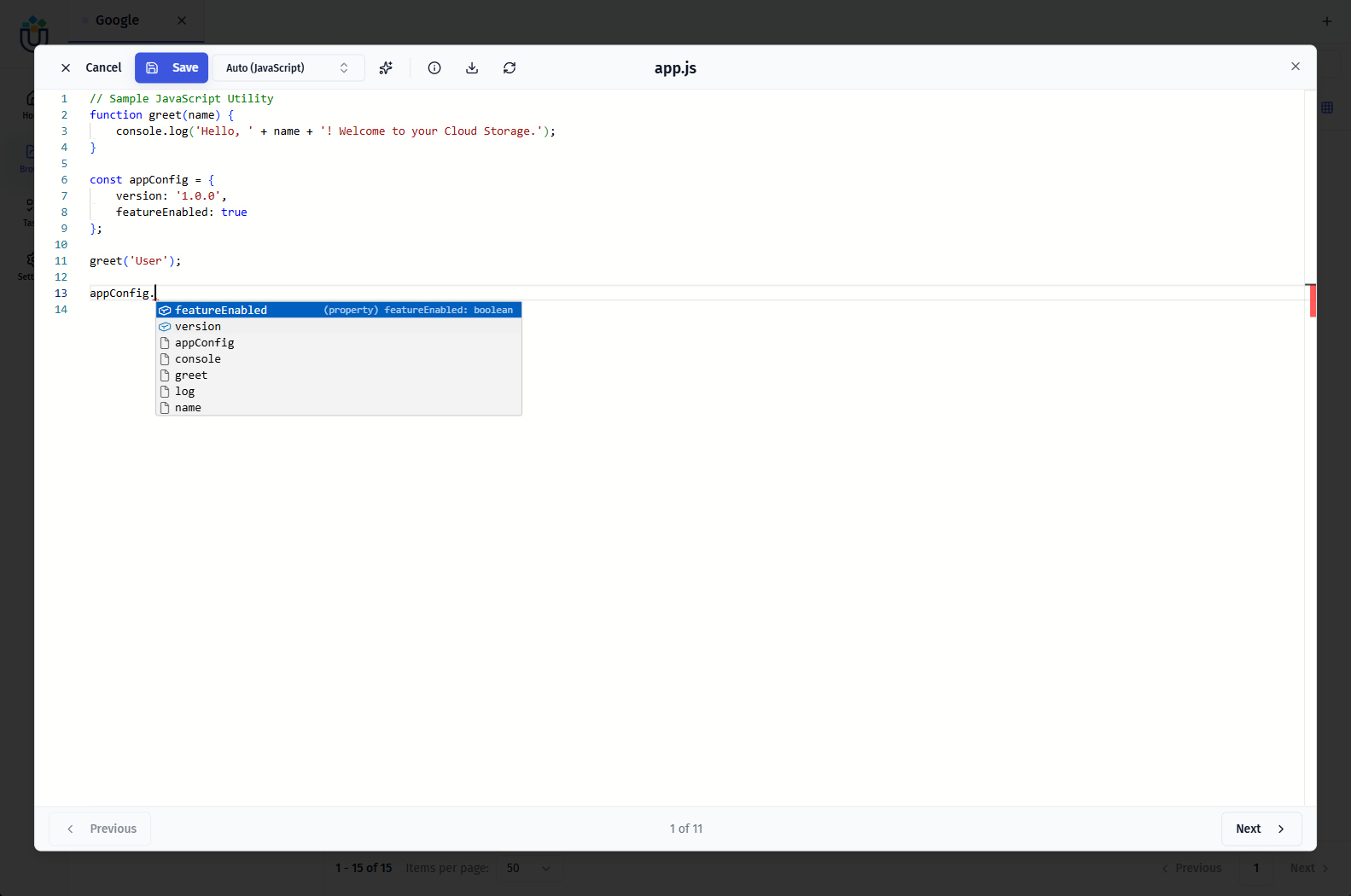
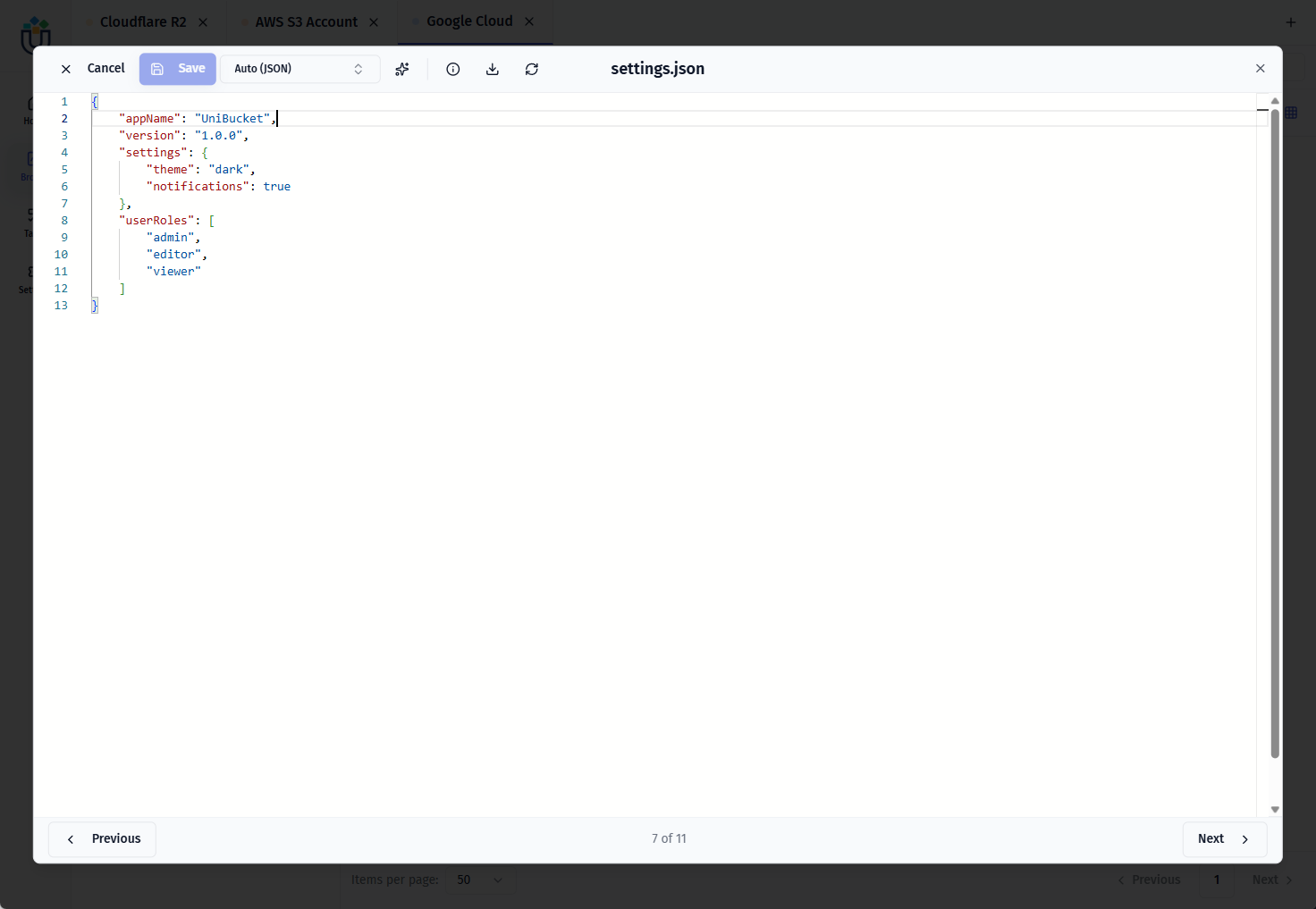
Integrated Code Editor

Powered by the technology behind VS Code, featuring IntelliSense, advanced validation, and basic syntax colorization.

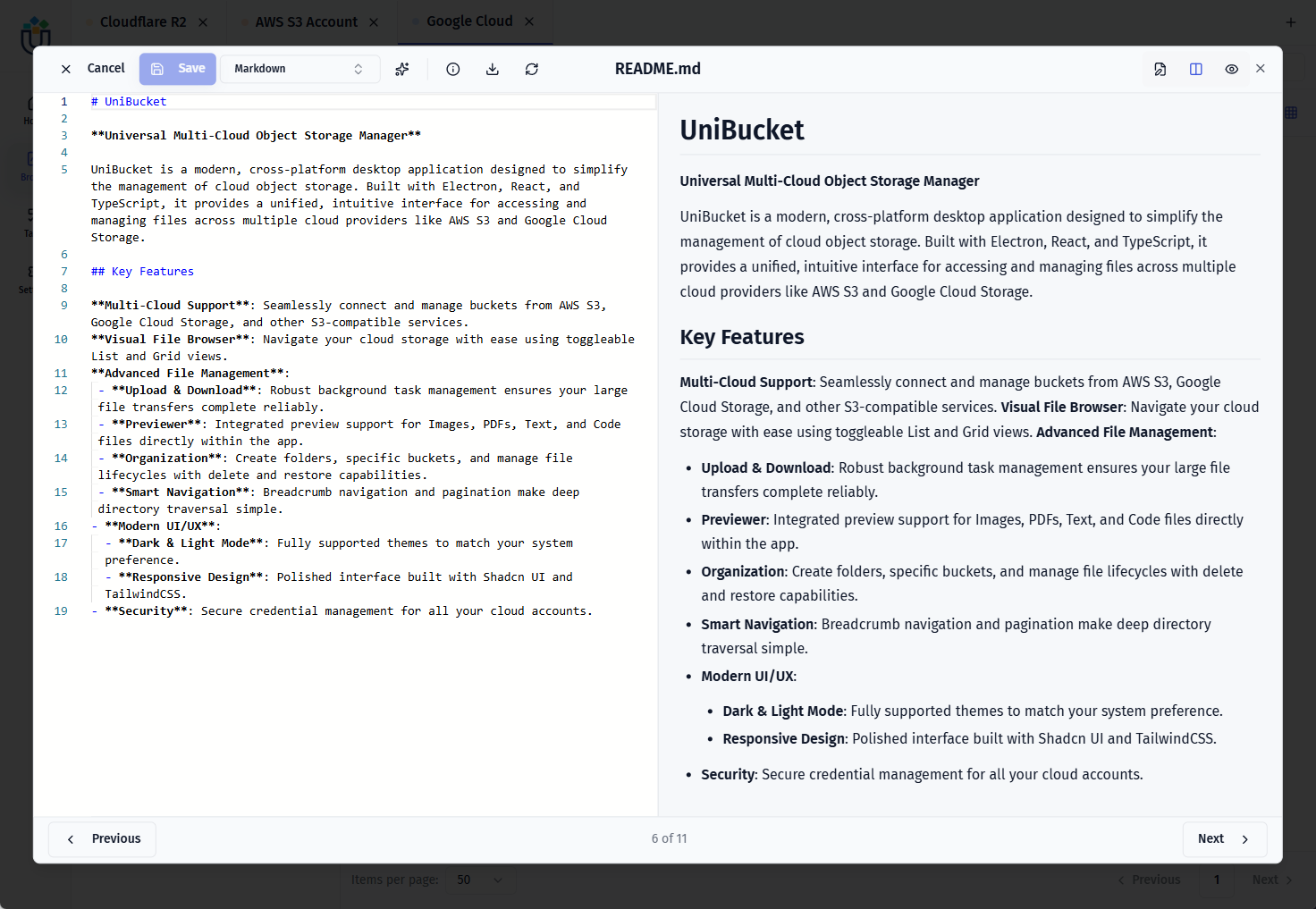
Markdown Editor & Previewer

Write, edit, and preview Markdown documents in real-time without leaving your storage workflow.

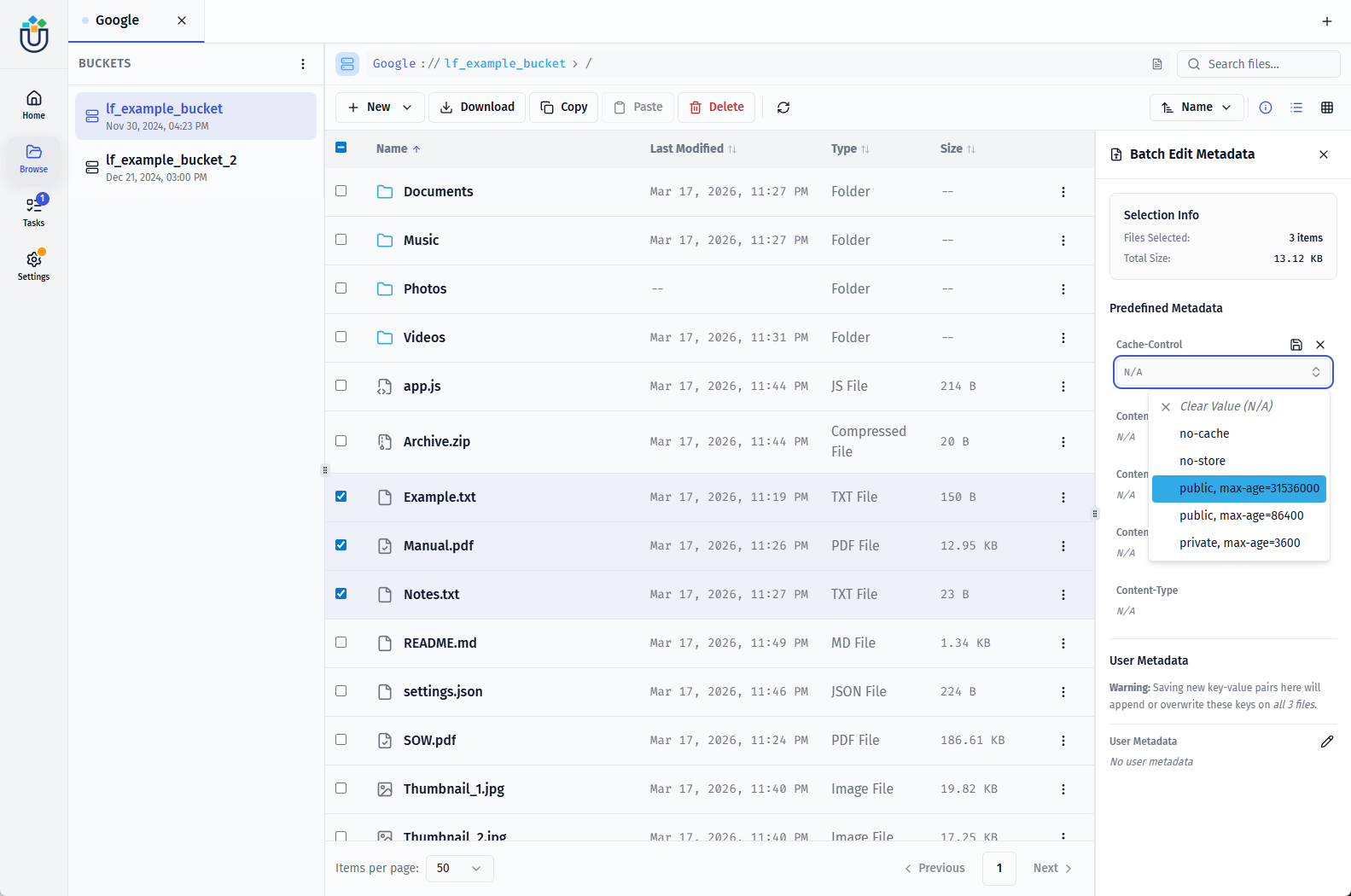
Batch Metadata Editor

Effortlessly update and manage file metadata in bulk to organize large datasets efficiently.

Works with your favorite cloud providers

Simple, One-Time Licensing

Try every feature free for 30 days. Love it? Unlock UniBucket permanently with a single purchase — no recurring subscriptions.

30-Day Free Trial

Full access to explore with your own buckets

Free
No credit card required
  • All features unlocked for 30 days
  • AWS S3, Google Cloud Storage & S3-compatible
  • Built-in code, Markdown & metadata editors
  • Windows, macOS & Linux
Download Free Trial

Frequently Asked Questions

What happens when my 30-day free trial ends?

Your cloud files, buckets, and saved accounts remain completely untouched. Once the 30-day trial expires, simply enter a license key to unlock UniBucket and pick up right where you left off.

Which cloud storage providers are supported?

UniBucket supports AWS S3, Google Cloud Storage, and any S3-compatible object storage service — including Cloudflare R2, MinIO, Backblaze B2, DigitalOcean Spaces, Wasabi, and self-hosted S3 endpoints.

Is UniBucket a subscription or a one-time purchase?

UniBucket is a one-time purchase with no recurring subscription fees. You can activate your license key directly inside the app on Windows, macOS, or Linux, and deactivate a device anytime if you switch machines.

Are my cloud credentials and files sent to LinkFuture servers?

No. UniBucket is local-first: your credentials are encrypted locally using your operating system's secure storage, and all file transfers happen directly between your computer and your cloud provider. We never see your keys, buckets, or files.

Ready to simplify your cloud storage?

Start your 30-day free trial and manage all your buckets from one place. No credit card required.